
From first note to streaming platform.
Learn how Mouta's 6-step songwriting workflow takes a track from first idea to streaming, with every edit logged and the whole creative process on record.
Start creating
Open the DAW. Type in notes, hum a melody or import a MIDI file. Your session begins, and so does your Ledger.
Build your Skill
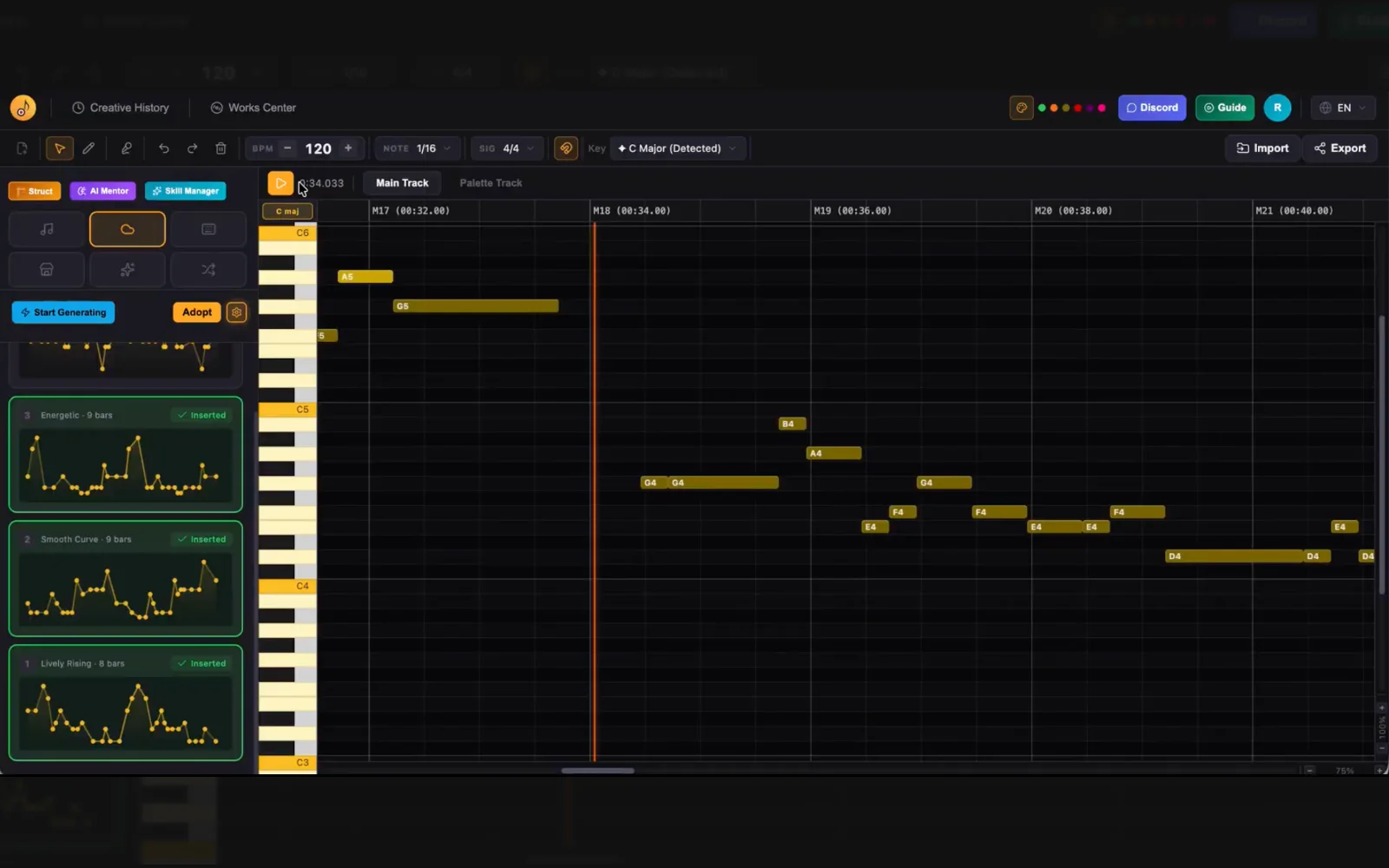
Hear a phrase that feels right? Select it and tag it as a Memory Point, and Mouta analyzes how it's built. Do this a few times and your Skill takes shape.
Edit your melody
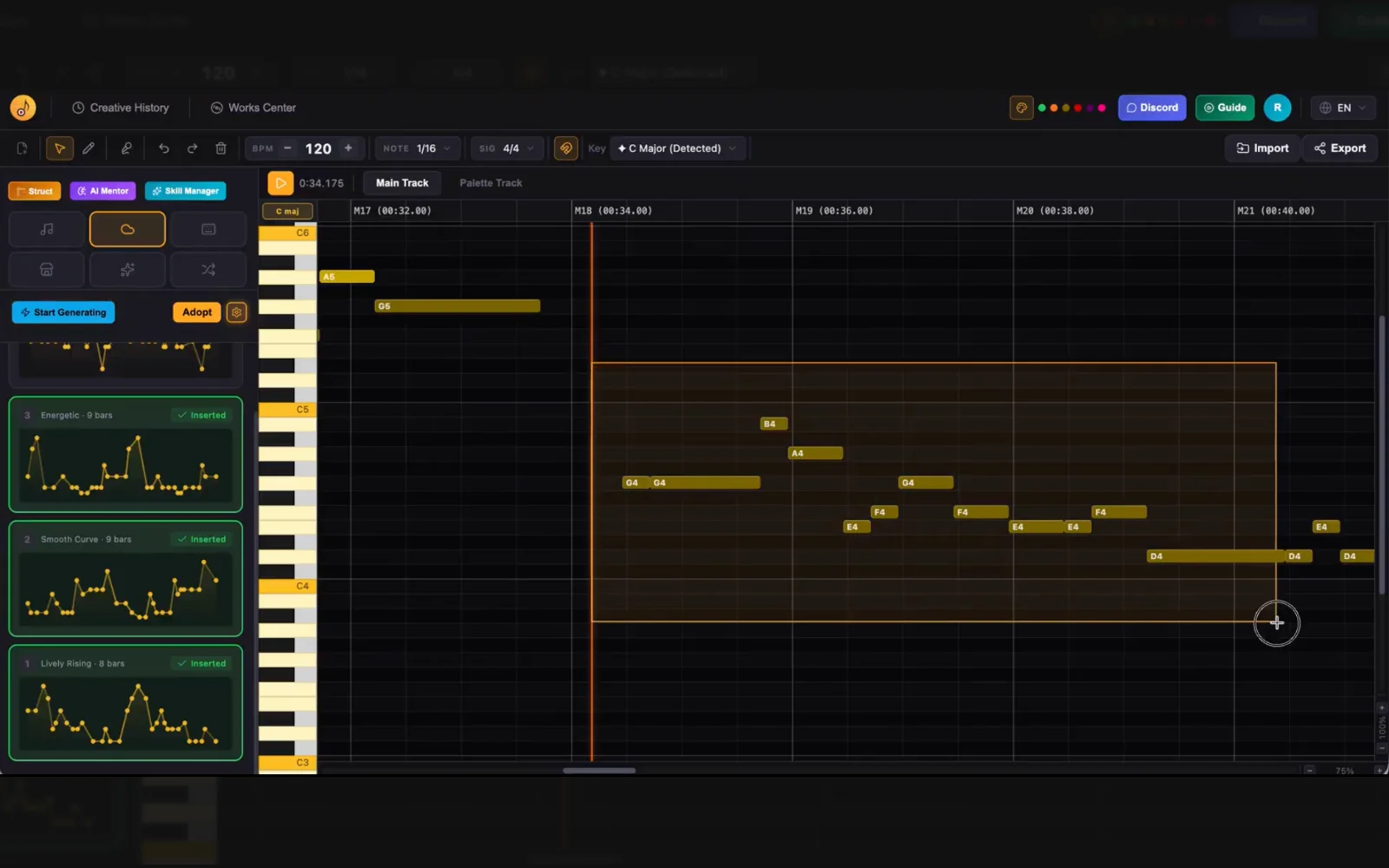
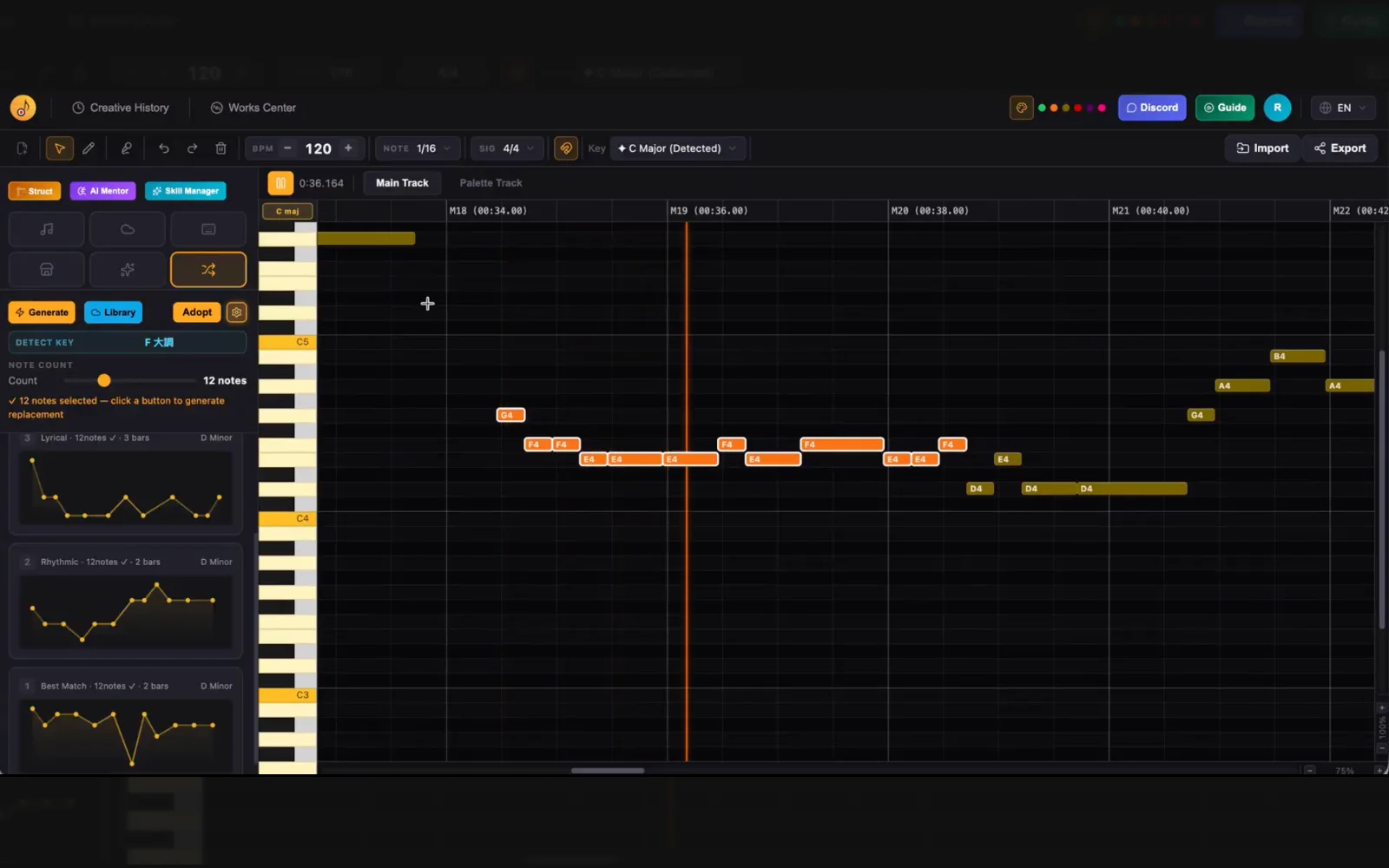
Something feels off? Select the notes and edit pitch, duration, or add and remove notes. Select a phrase and hit Replace, and Mouta suggests candidates tuned to your Skill. No more getting stuck on that 'something's not quite right' feeling.
Refine your track
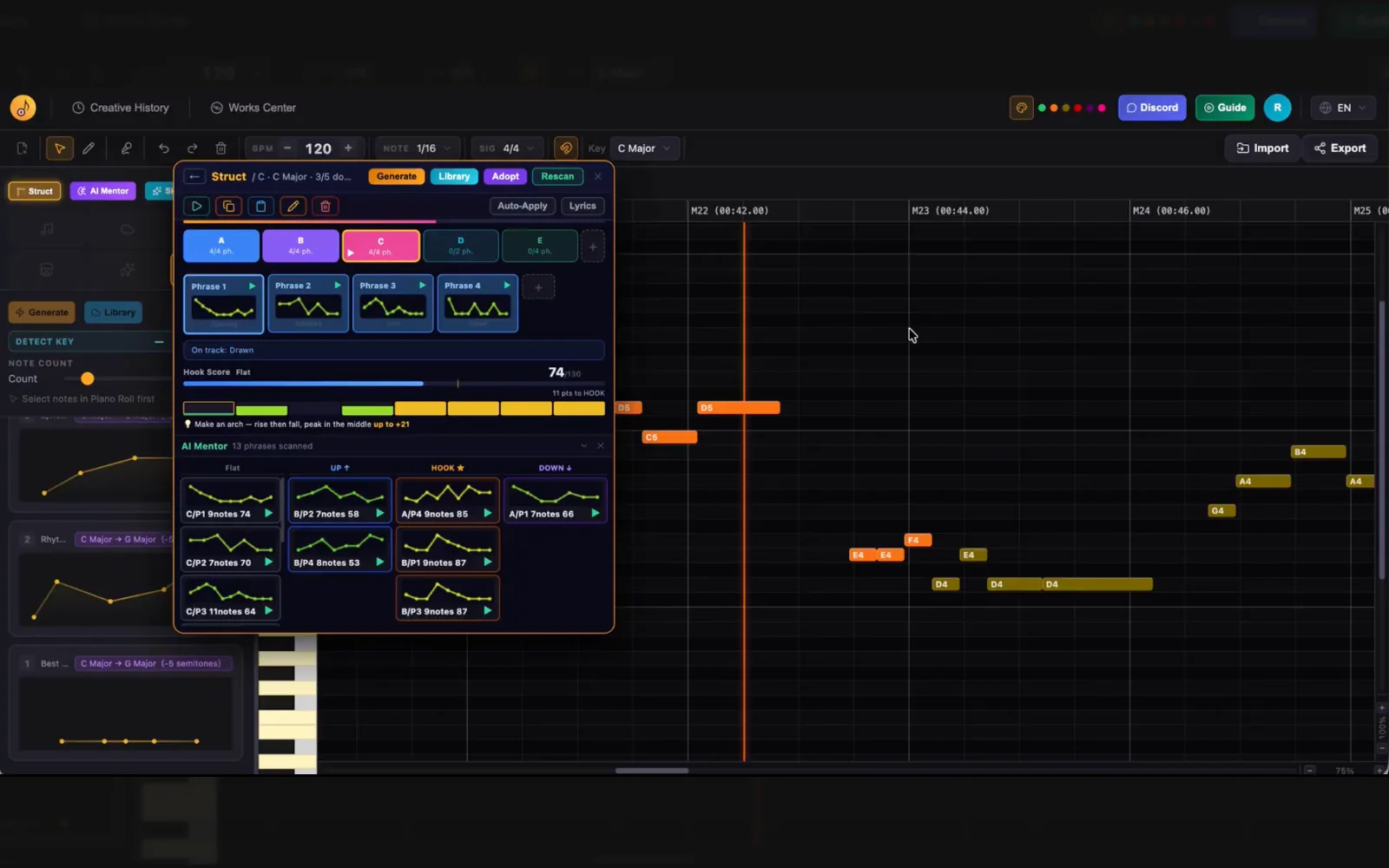
Once your phrases are arranged, open the Struct module and it automatically maps your phrases into a song structure. Hook Mentor analyzes each phrase and scores your hooks. From there, freely copy, insert, or overwrite phrases and verse/chorus sections until you have something ready to release.
Creation history
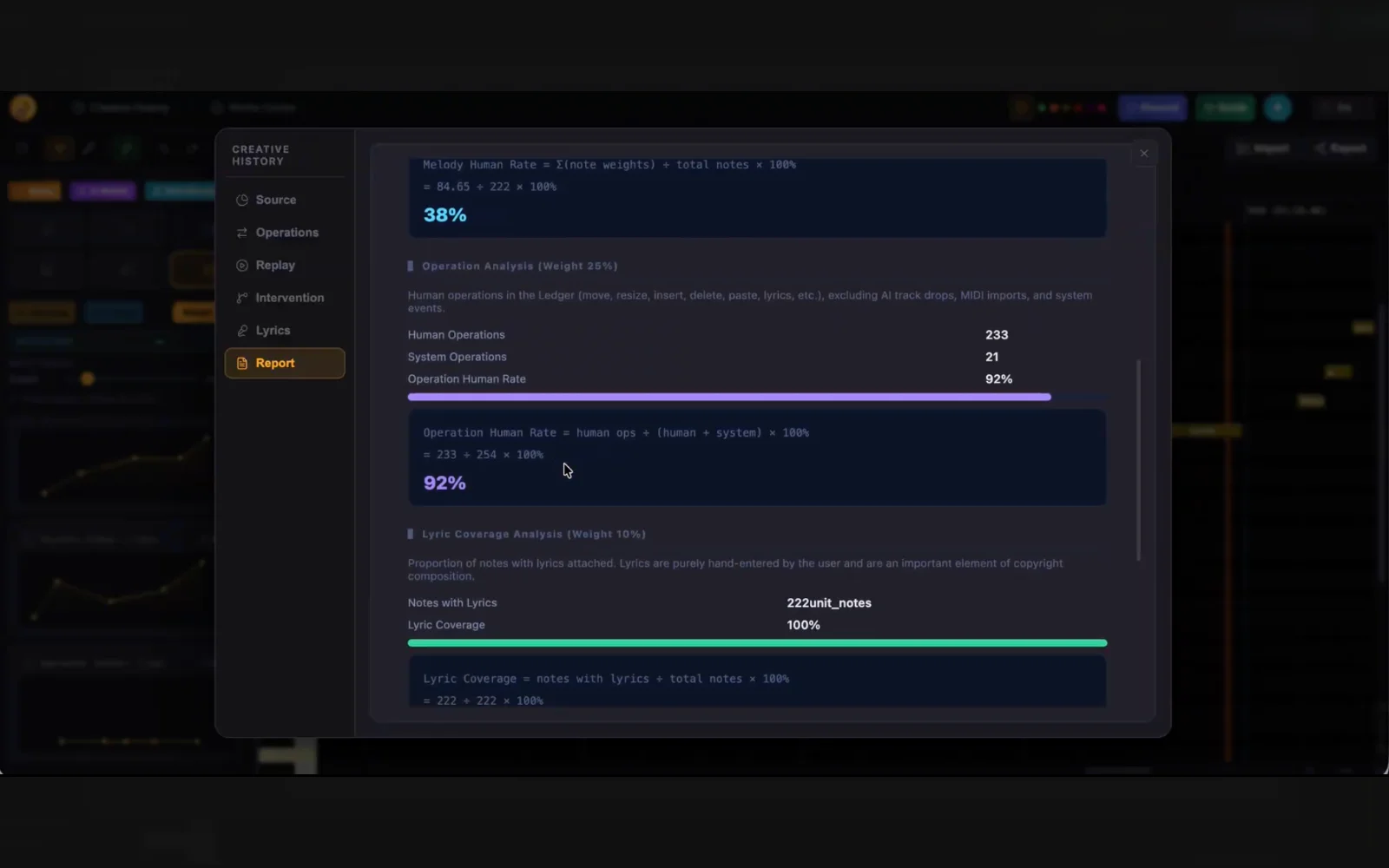
Every edit, every Replace and every swap you keep is logged to your track's Ledger, in order. Replay it any time, or export it as a .llg file.
Export and release
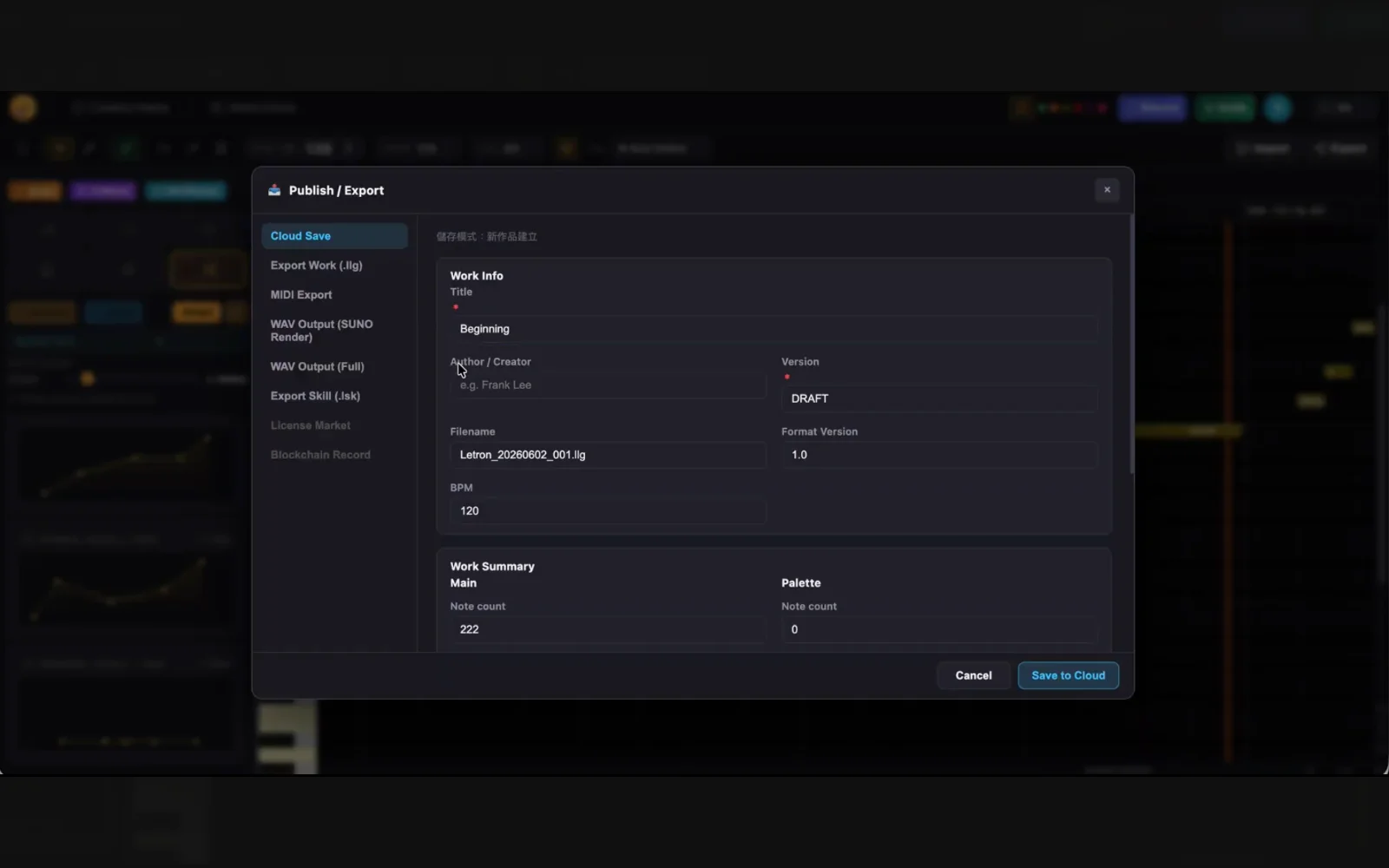
When you're done, try it with the virtual singer first to check that melody and lyrics fit. Then export in the format you need: MIDI, WAV or a vocal WAV. Take it to arrangement, recording, or rendering to produce the final version. When you submit through a distributor, attach the .llg as a faithful record of how the track was made.
The full tutorial series
Nine short films, each under a minute, from having no idea at all to turning a finished song into a music video.
- EP 01
No ideas? Get 4 melodies in 60 seconds
- EP 02
A melody isn't a song yet — split it into phrases
- EP 03
Shaping a hook in Mouta
- EP 04
From four melodies to verse and chorus
- EP 05
Turn your melodies into lyrics
- EP 06
Write lyrics with GPT, then fit them to your melody
- EP 07
Export a guide WAV so AI sings your melody
- EP 08
See the creative journey behind your song
- EP 09
Turn your song into a music video